Skip to content
OZ Pitch Day – Nov. 12Register Now →
OpportunityZones.com
For iPhone

OpportunityZones.com

OZ Map & Marketplace

OpportunityZones.com puts the whole Opportunity Zone program on your phone: the national map of every zone and every eligible tract, a marketplace of OZ investments that are open to investors, and the latest articles and podcast episodes from OpportunityZones.com.

Coming soonApp StoreComing soonGoogle Play

Free. For iPhone now; an Android version is coming.

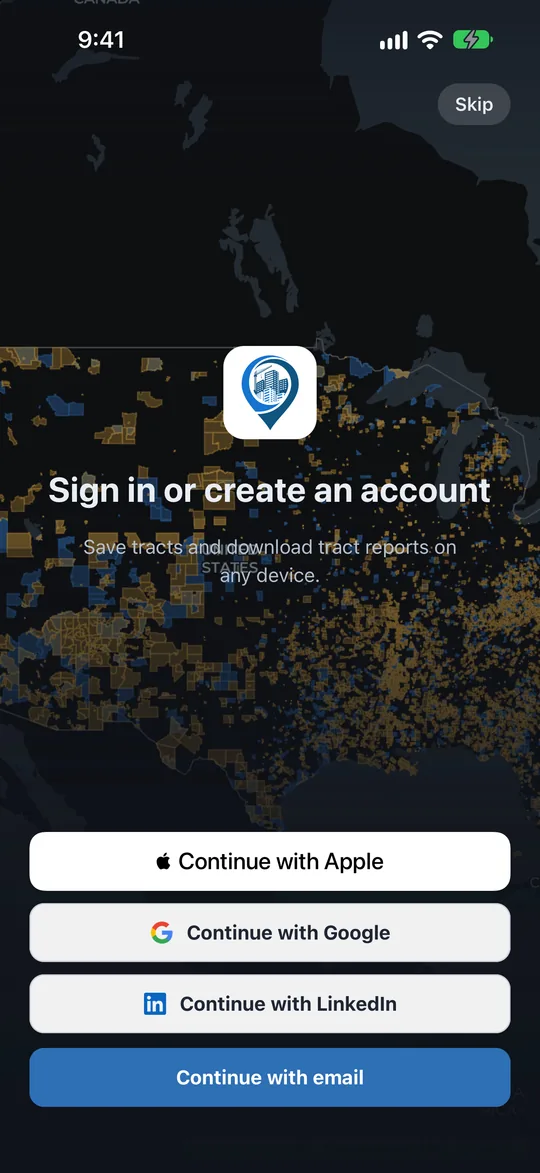
The welcome screen over a still of the national map: Continue with Apple, with Google, with LinkedIn, or with email.
The Map

Every Opportunity Zone and every eligible tract

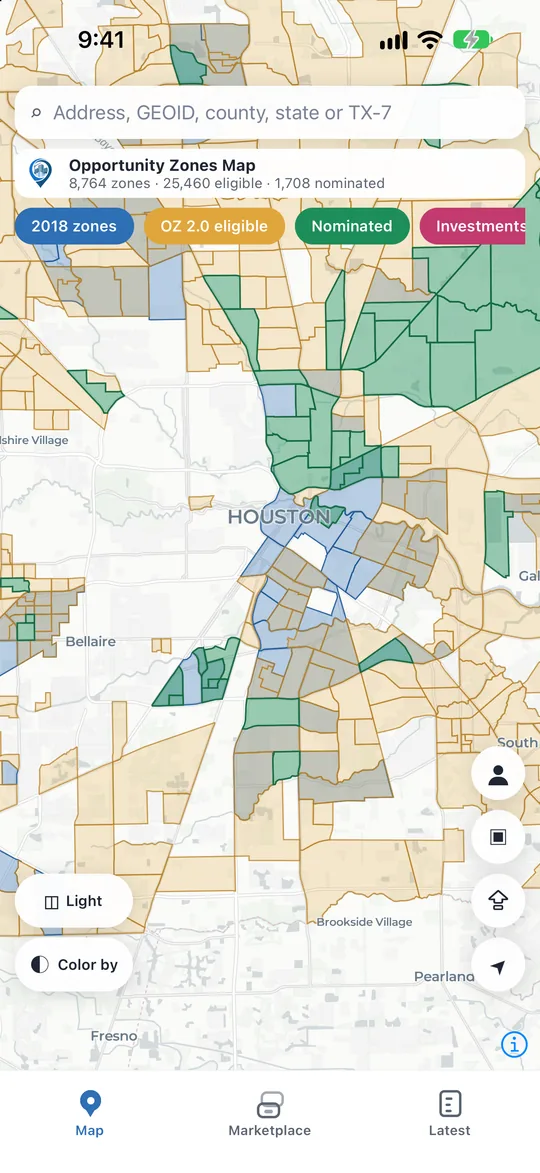
Every one of the 8,764 Opportunity Zones designated in 2018, every census tract eligible for nomination under the permanent OZ 2.0 program, and the tracts each state has nominated so far.

  • Search by address, city, ZIP code, county, congressional district or 11-digit census tract number.
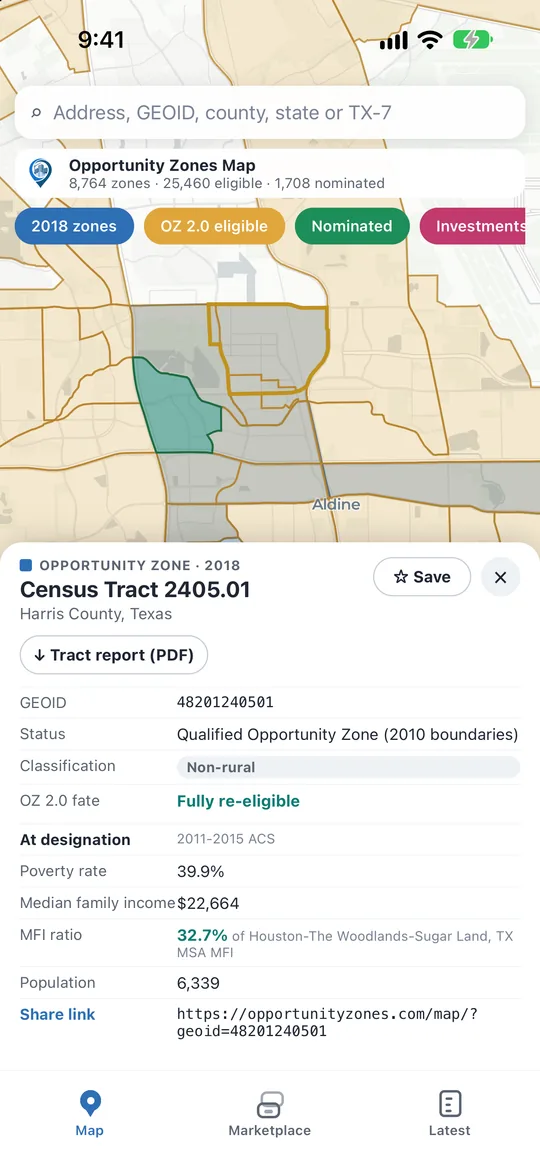
  • Tap a tract for its card: 2018 zone or OZ 2.0-eligible, rural status, poverty rate, median family income and the other figures behind its eligibility.
  • "Am I in an OZ?" checks the tract you are standing in. Layers for 2018 zones, OZ 2.0-eligible tracts, state nominations, rural shading, congressional districts and OZ Investments, on five basemaps.
  • Download a PDF tract report of any tract, share any view as a link that opens the same map on the web, or export a snapshot image.
The map on the web
The map over Houston with the 2018 Opportunity Zones, the OZ 2.0-eligible tracts and the state nominations, and the counts in the header.The card for Census Tract 2405.01 in Harris County, Texas: its status rows, the Tract report (PDF) button and the Census figures behind its eligibility.
The Marketplace

OZ investments that are open to investors

Every OZ investment listed on OpportunityZones.com that is open to investors: Qualified Opportunity Funds, single-asset deals and operating businesses, with the sponsor, the sector, the location and the minimum investment.

  • Filter by sector, state or region and minimum; search by name or sponsor.
  • Each listing's overview, gallery, property and census tract details, documents and a one-page fact sheet.
  • Request information from the sponsor without leaving the app.
  • Save investments, and save a search to be emailed when a new listing fits it.
The Marketplace on the web
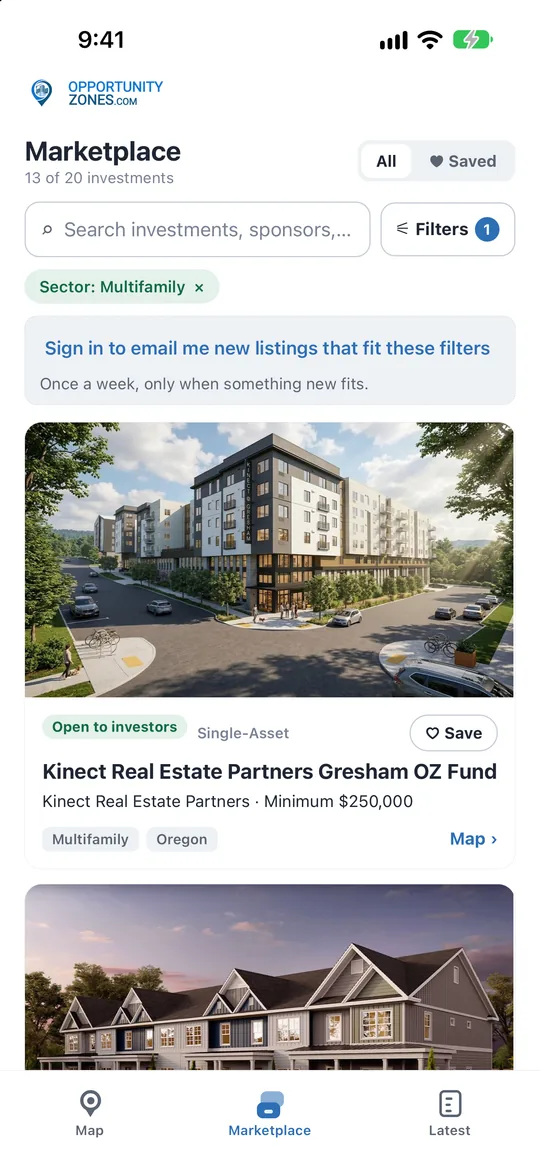
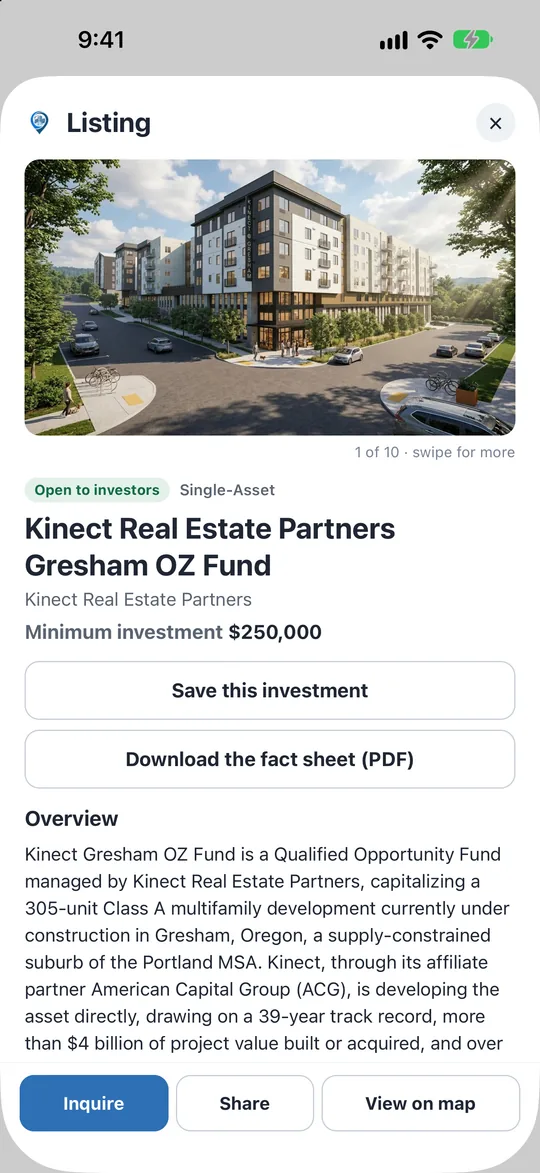
The Marketplace tab filtered to Multifamily, with the first listing cards and the prompt to save the search.A listing: its gallery, Open to investors, the minimum investment, Save, the fact sheet, the overview, and the Inquire, Share and View on map buttons.
The Latest

OZ news, analysis and podcast episodes

Articles, analysis and podcast episodes from OpportunityZones.com, with the News, OZ NewsHour and Podcast sections.

  • Read every article in the app, and share it.
  • The newest pieces first, with the featured article at the top.
The latest on the web
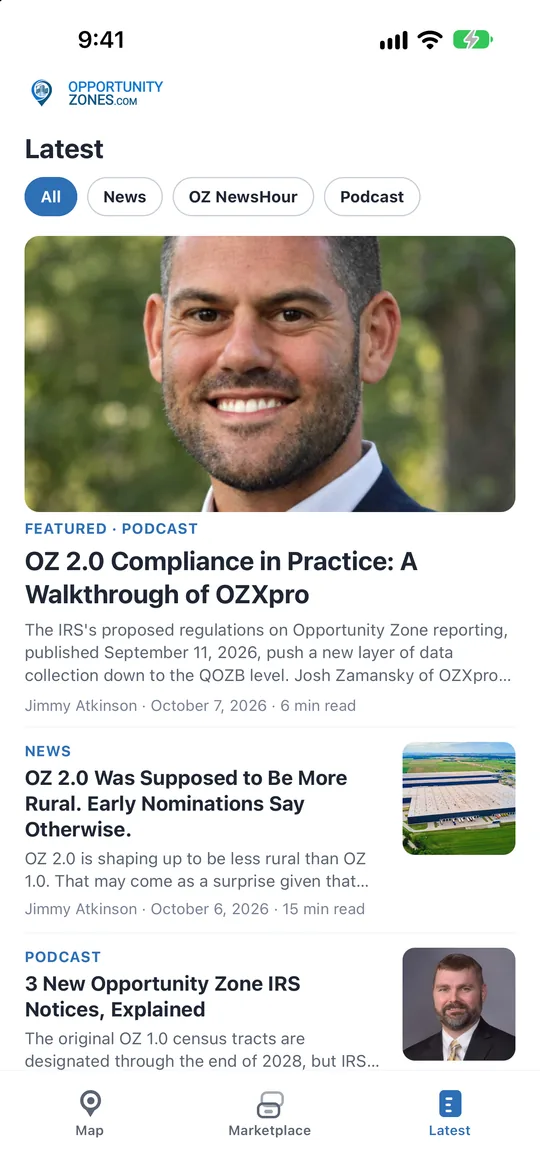
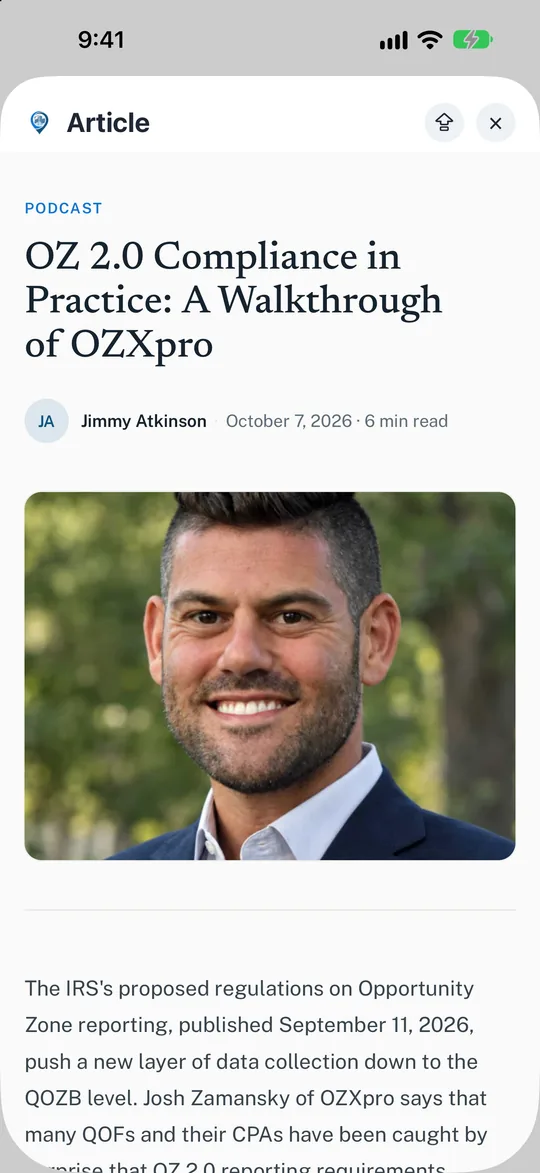
The Latest tab with the All, News, OZ NewsHour and Podcast sections and the featured article.An article open in the reader.
Your account

Free, and no password

  • Free. Sign in with Apple, Google, LinkedIn or a code sent to your email; no password.
  • Saved tracts, saved investments, saved searches and tract reports stay on your account, in the app and on OpportunityZones.com.
  • Delete your account from the app at any time.
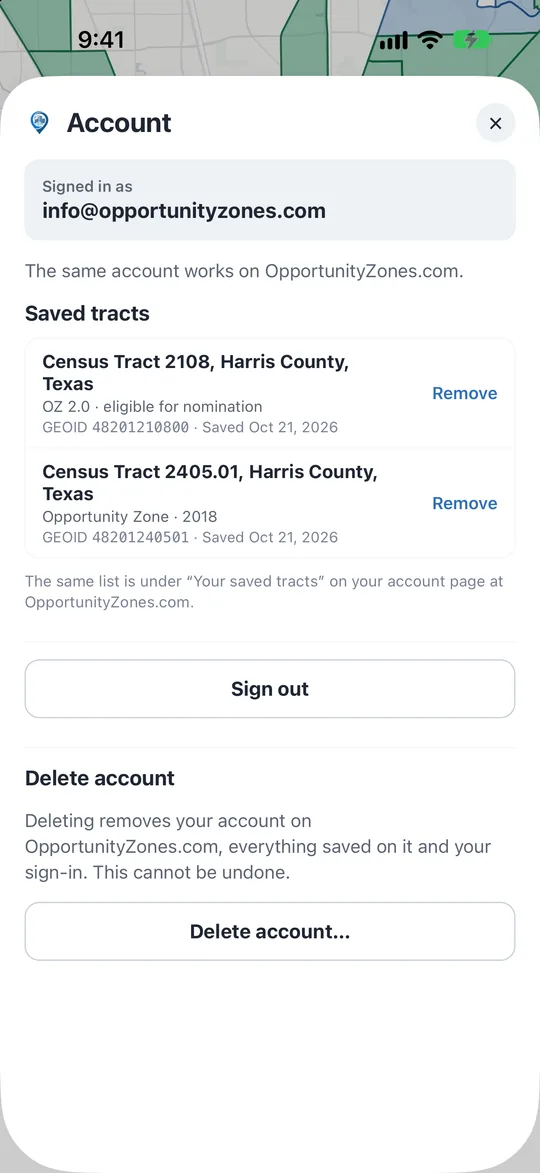
The account screen, signed in, with saved tracts.
Support

Help with the app

Which phones: the app is for iPhone now. An Android version is coming.

Signing in

Sign in with Apple, Google or LinkedIn, or ask for a six-digit code at your email address and type it in. There is no password to set or remember. The account is free, and it is the same account as on OpportunityZones.com.

If Sign in with Apple does not complete

Try again. If the Apple sheet closes without signing you in, make sure an Apple Account with two-factor authentication is signed in on the phone (Settings, then your name at the top), or sign in with the emailed code instead.

Your location

The app asks for your location only when you tap the locate button, uses it once to find the tract you are standing in, and never stores it.

Saved tracts, investments and searches

Everything you save in the app is kept on your account, so it also appears on your account page on OpportunityZones.com, and whatever you save on the website appears in the app.

Tract report PDFs

Open a tract and tap Tract report (PDF) for its map, status, data and the OZ investments nearby. Reports need a sign-in, and they stay on your account with your saved tracts.

Deleting your account

In the app, open Account and tap Delete account. Or do it on the website at opportunityzones.com/delete-account/. Your account and everything saved on it are removed.

Contact

Email [email protected]. Say what happened and, if it is about the app, which iPhone and iOS version you have.

Privacy and terms

The privacy policy covers what the app and the website collect and why; the terms of use apply to both.

Opportunity Zones are census tracts where qualified investments can defer and reduce capital gains tax under Internal Revenue Code section 1400Z-2. Nothing in the app is investment, tax or legal advice. The investments in the Marketplace are offered by their sponsors, not by OpportunityZones.com, and listing one is not an endorsement of it.

Get the app

The Opportunity Zones map, the Marketplace and the latest news, on your phone.

Coming soonApp StoreComing soonGoogle Play